Import and export
CRS now has a dedicated import path instead of leaning on the older generic flow.
Supported CSV styles
CRS-native
Use this when you are exporting from CRS and importing back into CRS.
Broker-style
Use this when your CSV looks closer to:
id,symbol,direction,volume,open_price,close_price,open_time,close_time,profit,commission,swap,net_profit,sl,tp
That format is recognized directly by the backend CRS parser.
Visual reference
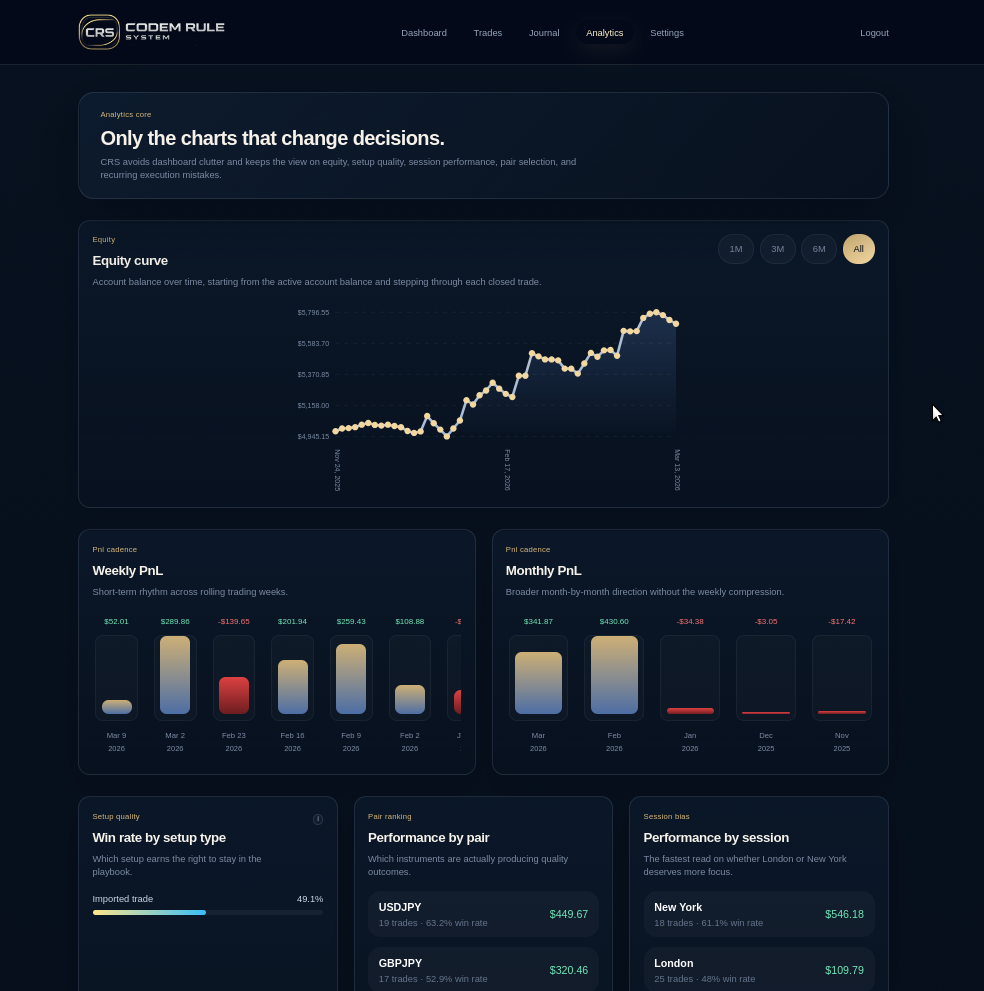
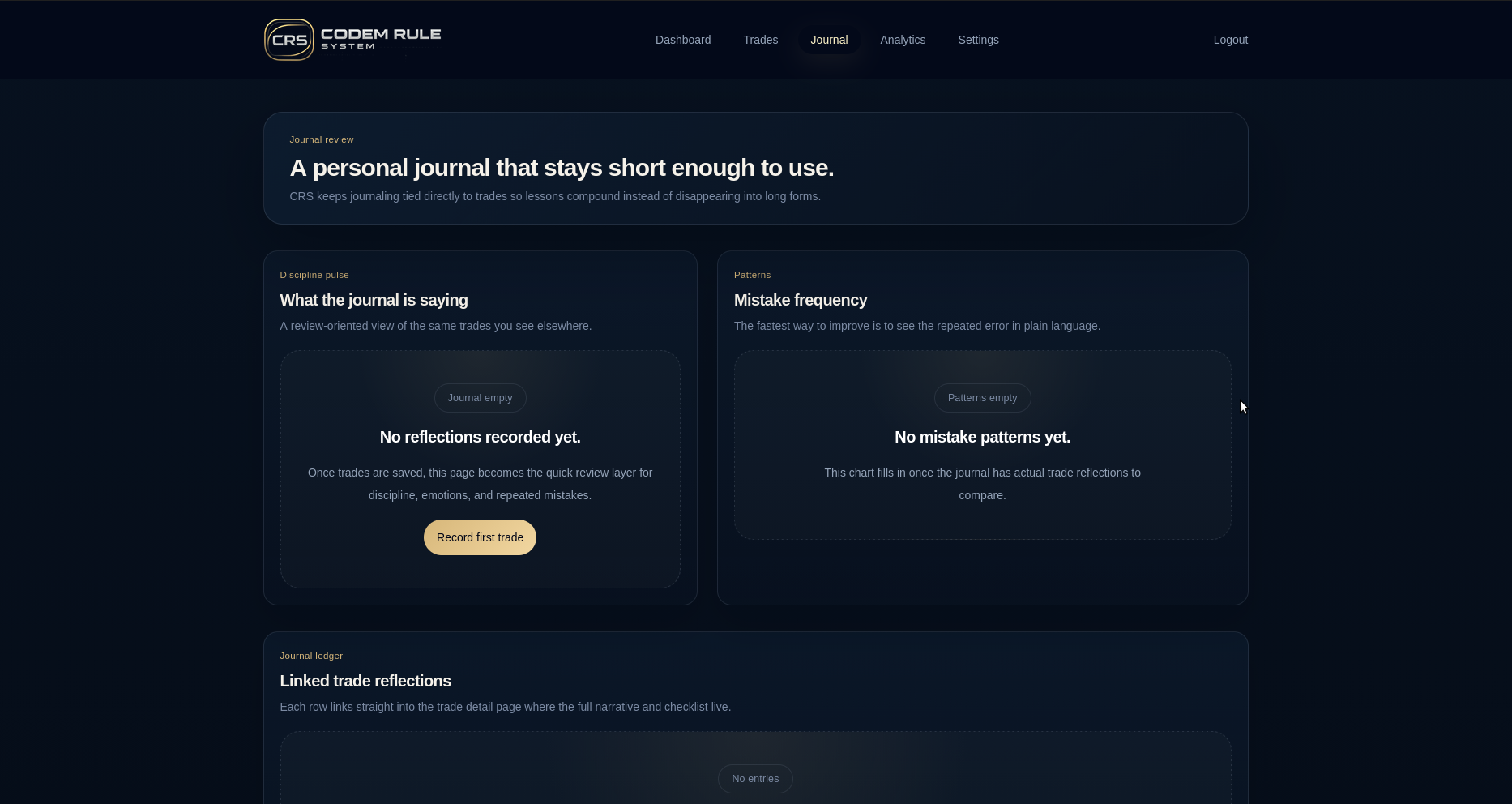
Import flow
The current in-app flow is:
- Select the CSV file.
- Run a backend preview.
- Review:
- rows that would import
- duplicates that would skip
- invalid rows
- Confirm the import.
- Review import history and any skipped-row report.
Duplicate handling
Duplicate protection is now enforced at three layers:
- frontend duplicate guard
- backend create/update duplicate guard
- database unique index
Re-importing the same file should skip duplicates instead of failing the backend job.
Export behavior
Default CSV export now uses the CRS contract. Legacy export is still available only when explicitly requested.
Notes on accounts
- active account can be used as the default target during import
- if no account exists, the user should create one before importing or recording trades
JSON backup
Settings export/import is separate from the trade CSV flow. It is used for broader account data backup and restore.
The older markdown at documentation/EXPORT_IMPORT_README.md still contains historical context, but the active in-app and backend behavior follows the CRS-native path described here.